Applies to: Lasernet Core 10
Similar to the Lasernet Client app, which must be installed on the local desktop, the Lasernet Web Client/Server provides a hosted web solution. We recommend that you install the Lasernet Web Client on the same server as the Lasernet Config Server.
The installer will install a Windows service, that hosts the Lasernet Client website, from where you can remotely view job queues and perform basic tasks such as editing JobInfos, re-scheduling, searching, viewing, deleting and releasing temporary paused jobs from a browser on remote clients that have access to server.

Installation
Welcome
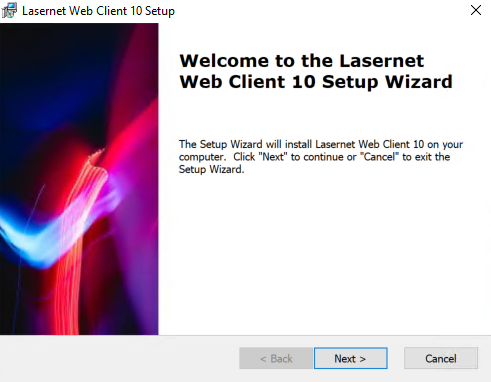
Click Next to continue.
Select Installation Folder
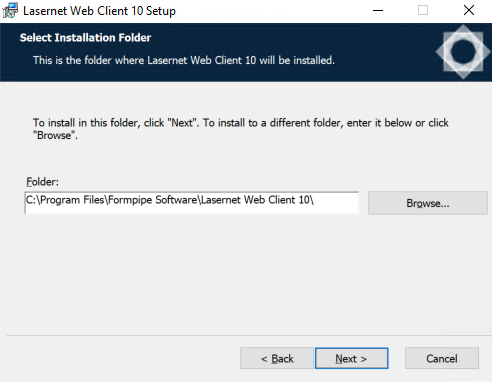
Choose the path for the installation folder and click Next.
Ready to Install
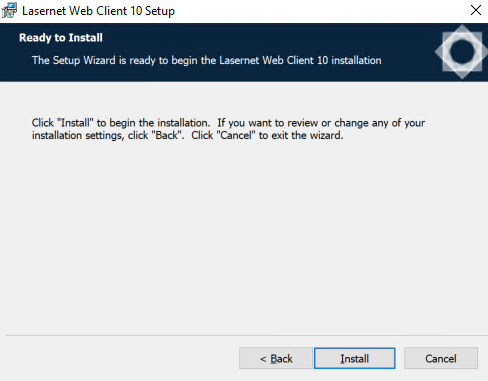
Click Install to begin the installation process.
Installing Files
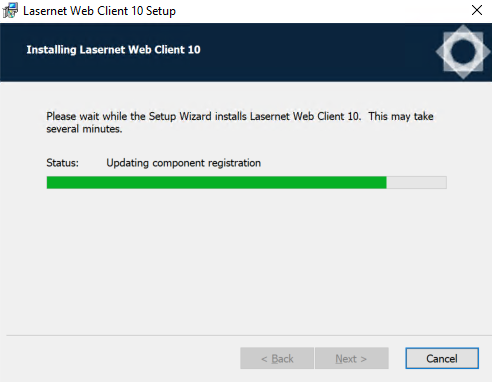
Please wait while Lasernet Developer is installed, or click Cancel to abort.
Installation Complete
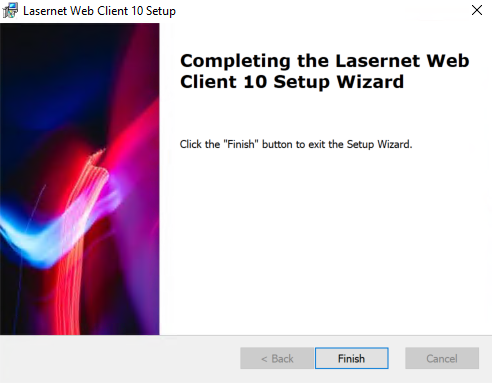
Click Finish to close the installer.
Note
You have now completed the necessary steps to run a basic Lasernet Core server configuration with all the required Lasernet Core Services.