Applies to: Lasernet Core 10
This manual describes the upgrade process from Lasernet 8 and above to Lasernet Core 10. Whilst many functions and settings are the same as in previous versions, there are many new features that have been implemented in this version. As such we recommend that you read this manual through carefully before you begin the upgrade process.
If you are not upgrading from a previous version of Lasernet you can skip this chapter.
Migration of setup
There is a built-in migration tool in Lasernet Core 10 which helps you to upgrade your existing setup from a previous version of Lasernet.
Lasernet 8 vs. 10
Discontinued module
The File Database module is no longer supported and will not be migrated. Please use the File Retriever instead.
Discontinued protocol
MAPI support is removed from Mail Input and Output modules. Please use the Outlook Mail Module or other protocols that are supported by Mail modules. The Mail module will still appear in configuration, but the MAPI protocol will not be migrated.
Users, groups and security profiles
Users, groups and security profiles added to previous versions are not migrated to Lasernet Core 10, because the objects are not a part of the configuration anymore. Security profiles added to modules are now named as security roles. The reference to the security roles is still included in the security settings of the module, but the object does not exist in the configuration.
Users, groups and security roles are now added and managed on the Lasernet Configuration Server. Create your old users, groups and security roles with the same names as in the previous version and the user references added to the security tab of the module will work in the same way in Lasernet Core 10 as before.
Users, groups and security profiles added to the configuration in Lasernet 8 are not migrated to Lasernet Core 10.
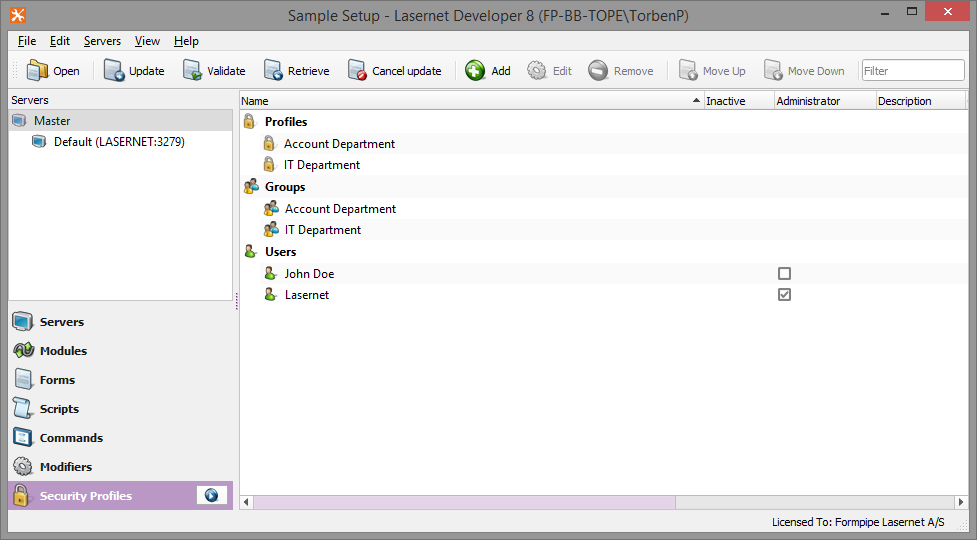
User, groups and security roles added to the Lasernet Config Server 9 are not migrated to Lasernet Core 10.
Access rights managed in Lasernet 8 and Lasernet 9 are not migrated to Lasernet Core 10.
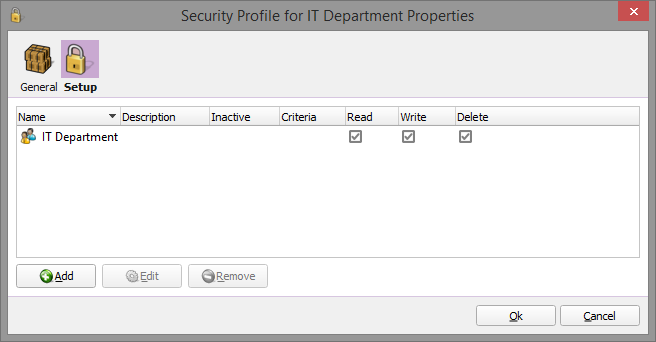
Security profile names in Lasernet 8 modules are migrated (using the same names) to roles in Lasernet Core 10.
Security role names added to a configuration in Lasernet 9 are migrated to Lasernet Core 10.

Example of users and groups added to the Lasernet Config Server 9.
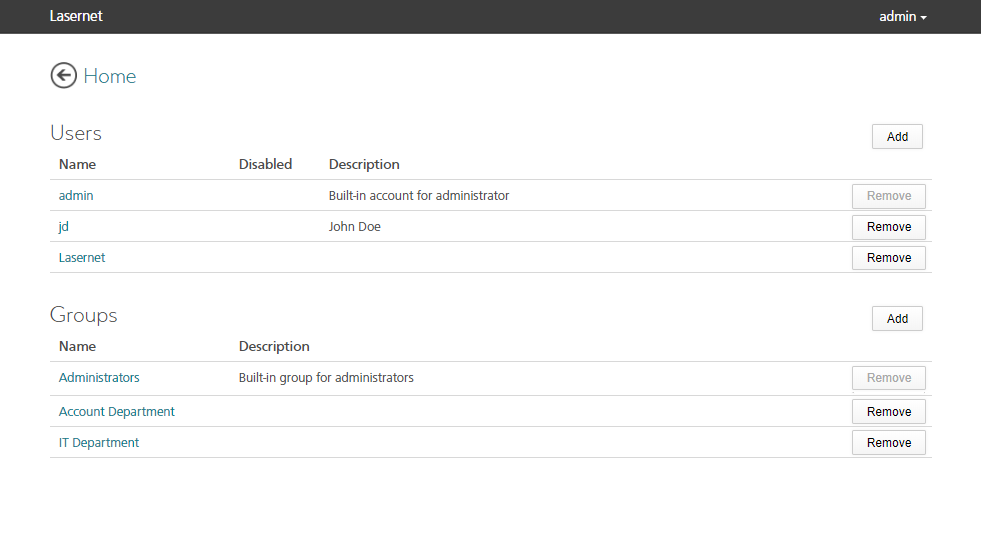
Example of users and groups added to the Lasernet Config Server 10.
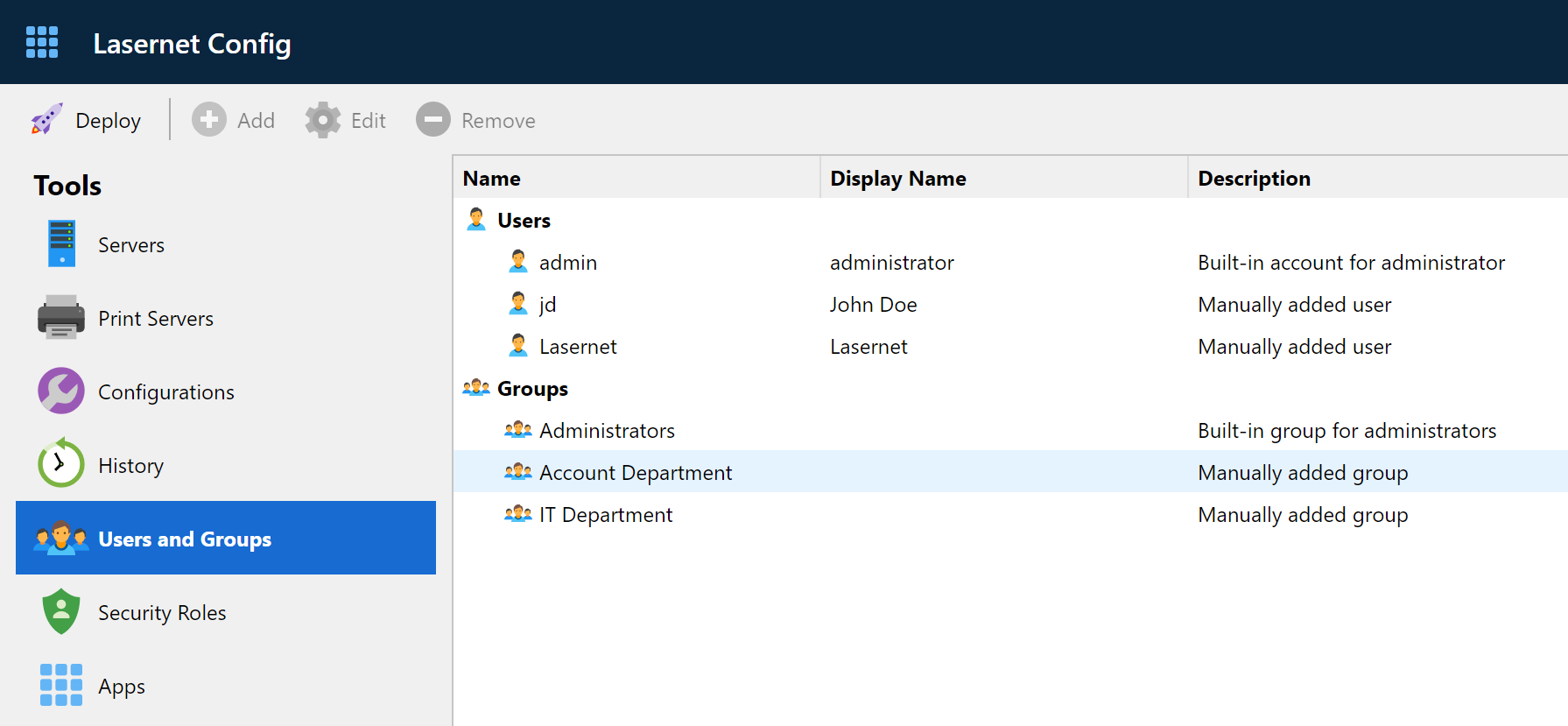
Example of security roles added to the Lasernet Config Server 9.
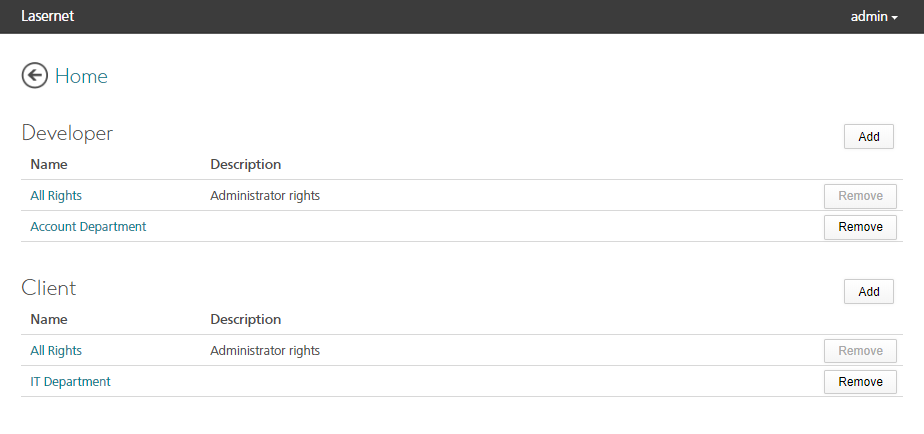
Example of security roles added to the Lasernet Config Server 10.
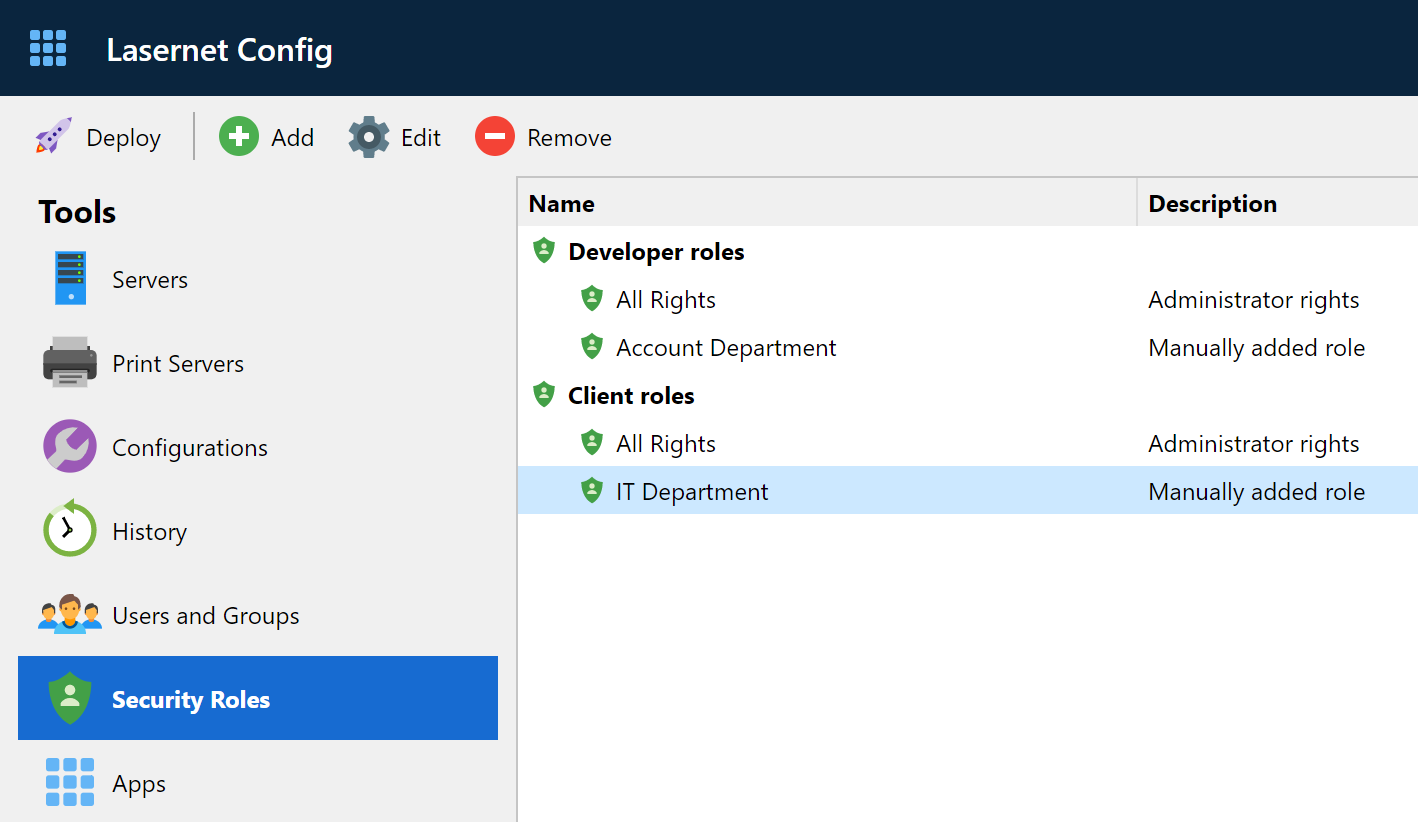
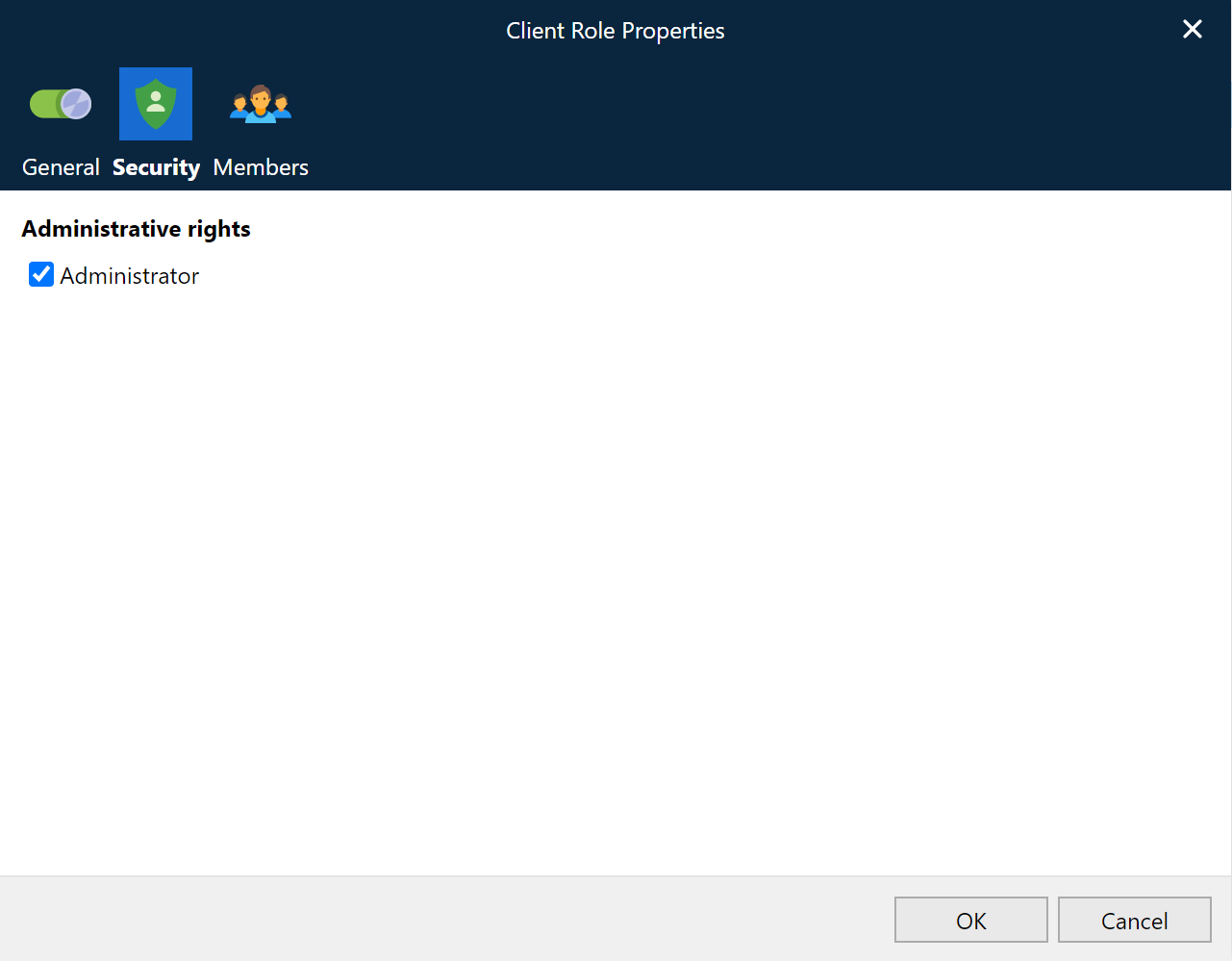
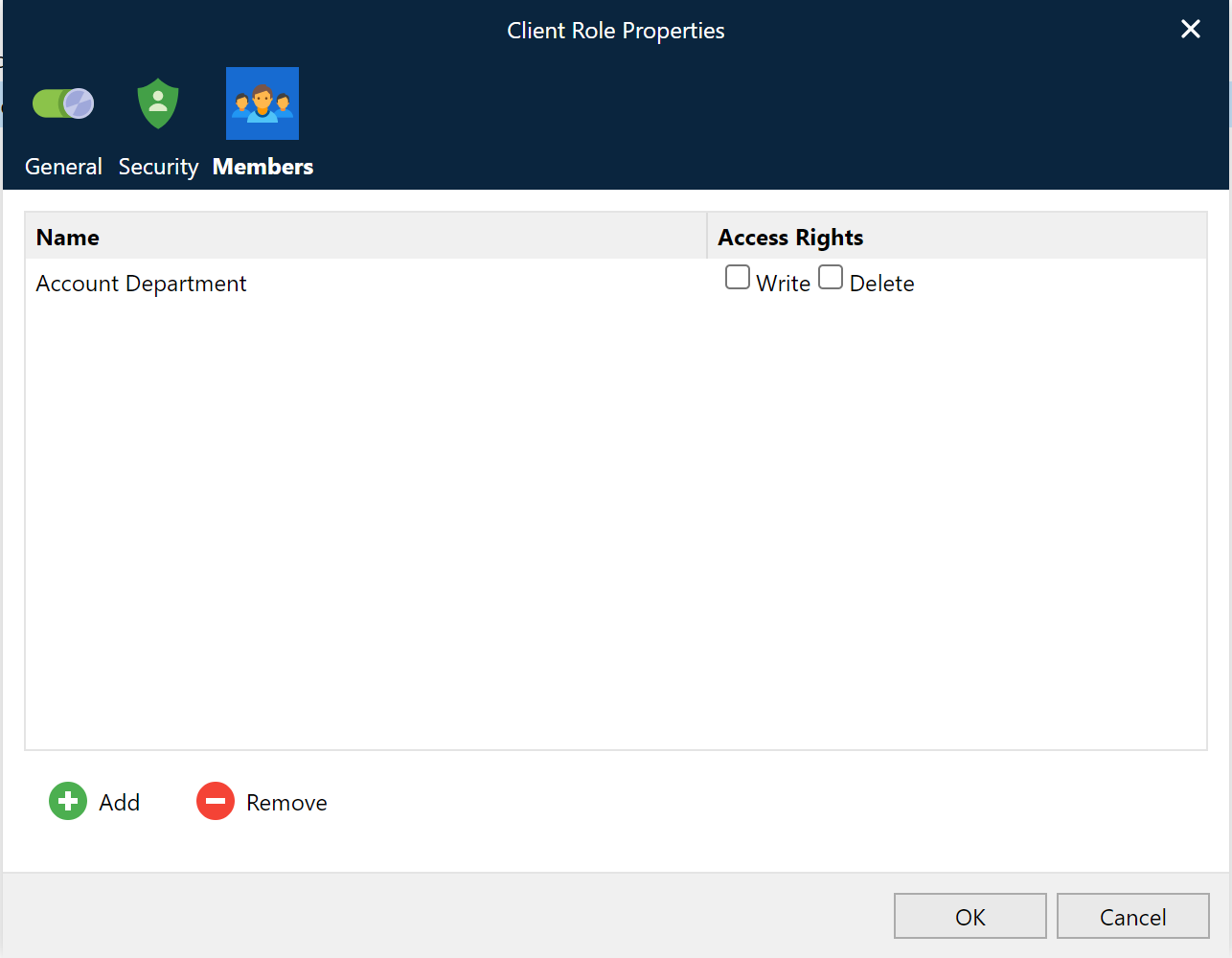
The access rights for Lasernet Client 10 are managed in a similar manner to the access rights in Lasernet 8.
Form recognition.
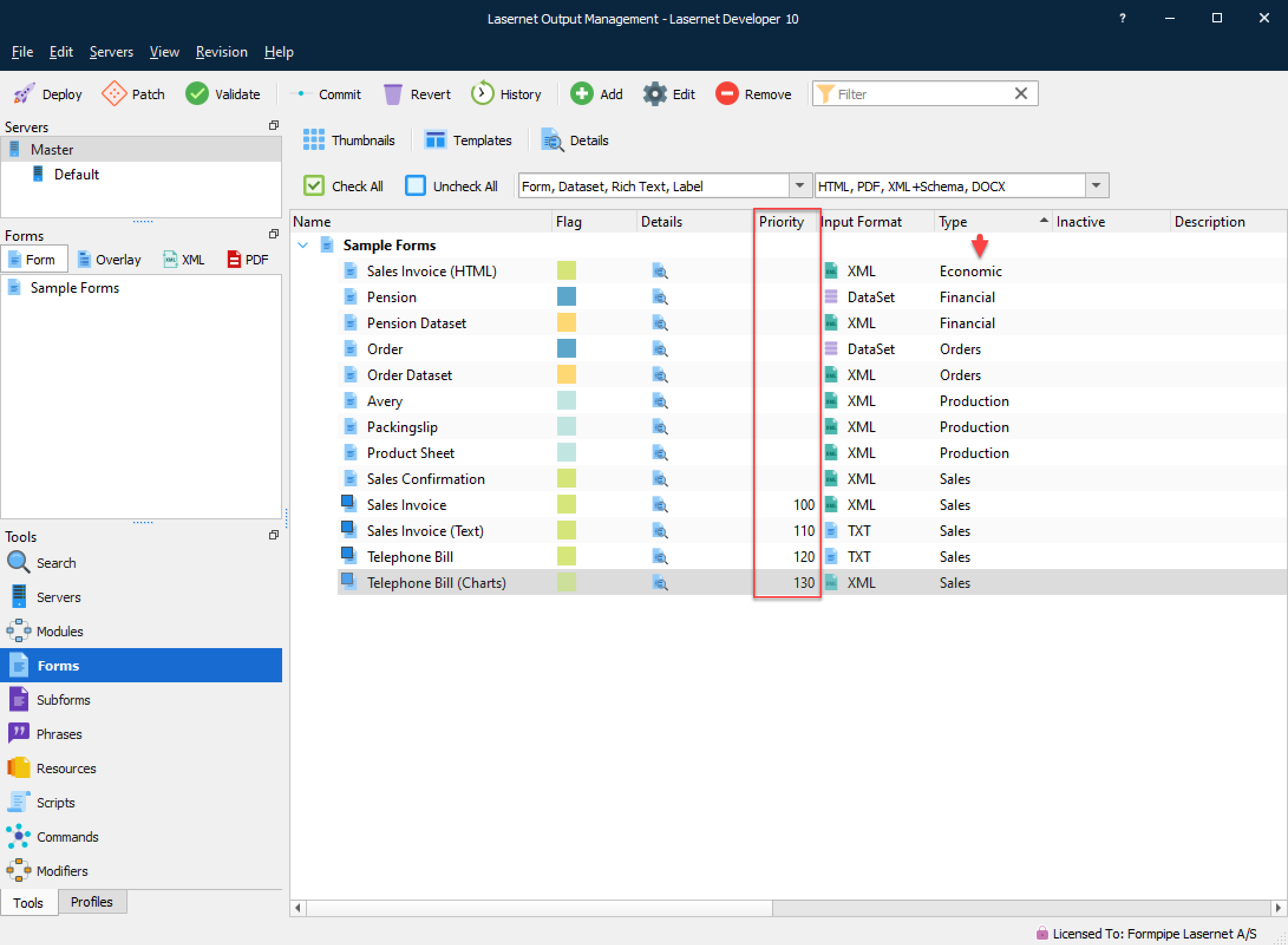
Similar to Lasernet Developer 9 a form index is no longer needed in Lasernet Developer 10. To preserve your form list and form recognition order the form index will, for Lasernet 8 and older, be migrated to a new setting called ‘Priority’. Priority works by assigning a number between 0 (high priority) and 999999 (low priority) to a form, to decide what order it should be processed in.
During a migration the very first form is given a priority value of 100, with each subsequent form getting a higher value (in +10 increments) as their priority lessens. This is to guarantee backward compatibility with previous versions of Lasernet, where the order of the form list affected the recognition order. When adding new forms to your configuration, we highly recommend you leave the priority empty (index = 0) and always ensure that you operate with unique criteria in your forms. If this is not possible then you must manually set the form priority using values between 0 and 999999.
Compared to Lasernet 8, Lasernet Core 10 has a new list of rules for how it recognizes forms, as such it is important that you create a unique criterion to match against, for all forms added to a configuration. As an alternative, a priority match can be added to the properties of a form instead. The rules are similar for forms with XML or text input:
Forms without a form recognition, are not recognized and not processed
If multiple forms are recognized, only the form with the highest priority (lowest number) will be processed. If no priority is added to a form, the forms are prioritized alphabetically.
If several forms are recognized, all with same priority, the forms are prioritized alphabetically
The ‘Move up’ and ‘Move down’ index functionality was removed from Lasernet 9 and doesn’t exist in Lasernet Core 10 either. To group your forms in the list we recommend that you add a keyword to your forms, or set a value in your formtype field and sort this column in the UI.
Running Lasernet Core 10 on same server as older versions
It is not recommended to run the Lasernet Server 10 at the same server with older versions of Lasernet without a deep understanding of the Lasernet Core architecture. Job data cannot be exchanged between server modules in different versions of Lasernet and you must be aware of port conflicts.
If you decide to install Lasernet Developer 10 and older versions of the Lasernet Developer on the same computer for easier maintenance of setups, please note:
The Lasernet Print Capture service will generate overlays in the format created by the last installed print capture queue.
Lasernet Print Capture 10 will create Windows EMF as output format for overlays. In previous versions (7 and older) the overlay format must expected to be Lasernet EMF.
Server settings and new syntax for destinations
Server names and port number are no longer maintained in the configuration files, compared to previous versions of Lasernet, and will now need the instance name only.
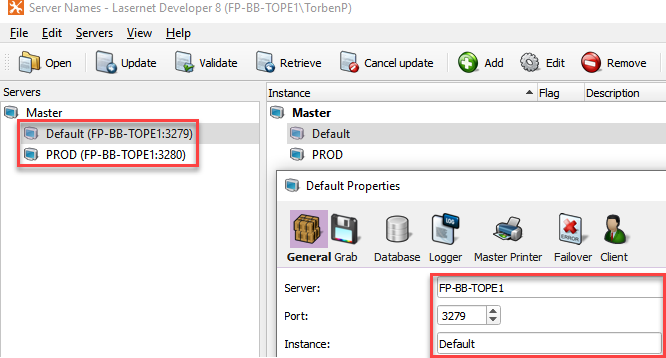
Lasernet 8
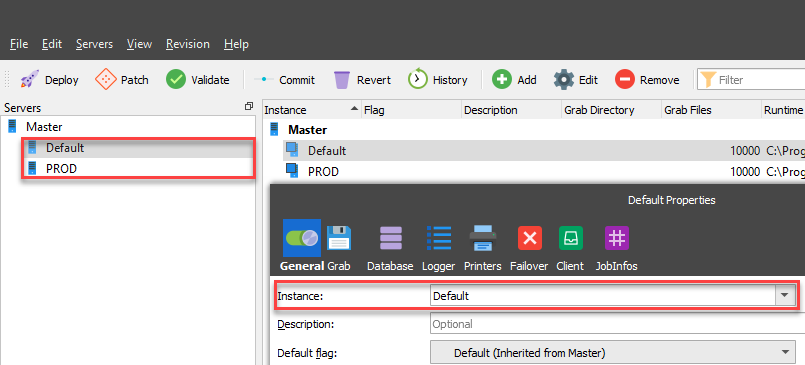
Lasernet 9
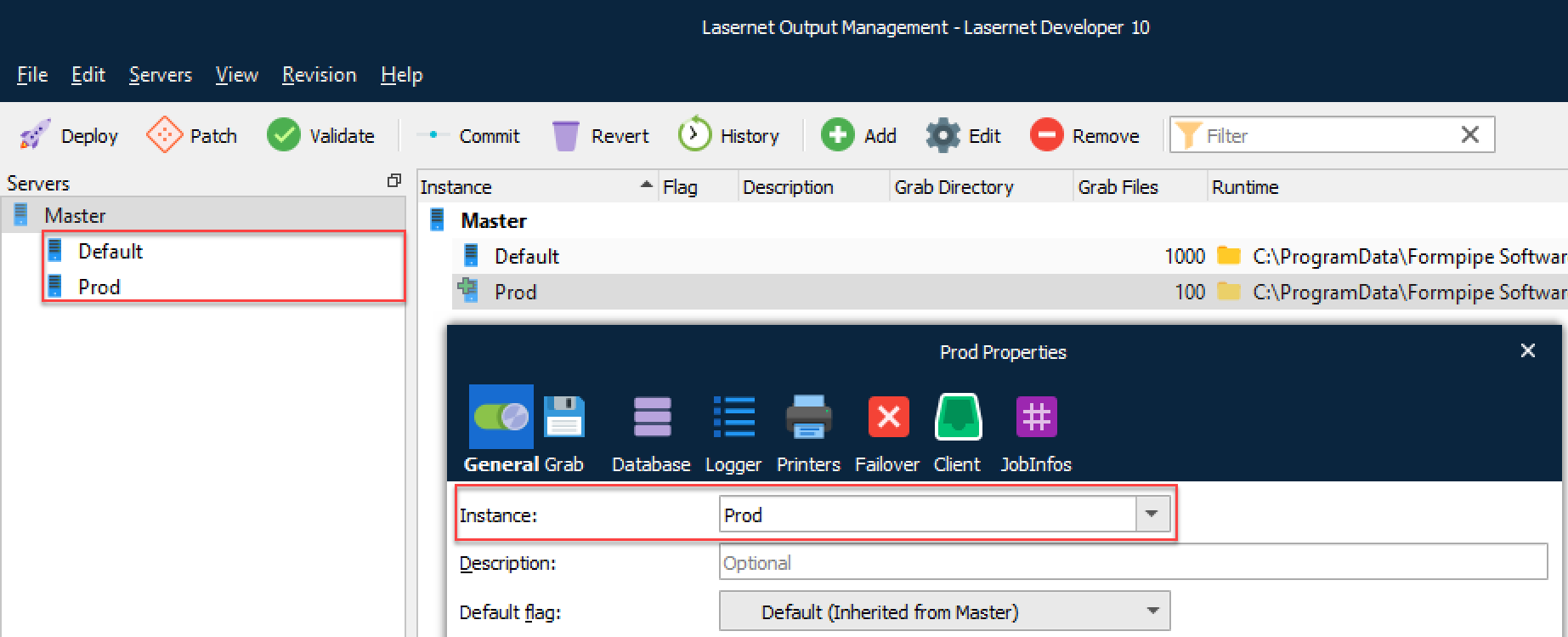
Lasernet Core 10
The binding between instance name and the server name and port number are maintained on the Lasernet Config Server 10.
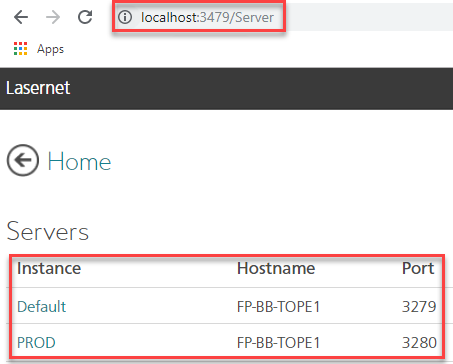
Lasernet 9
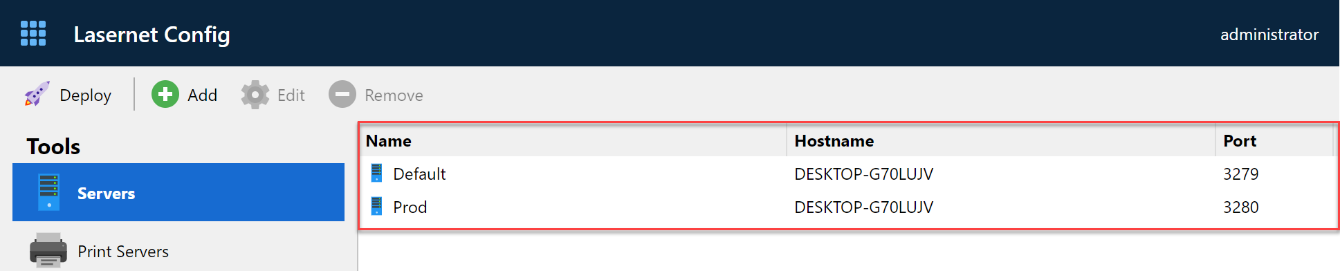
Lasernet Core 10
The module path, for connecting modules between Lasernet Servers, must manually be changed from the old syntax: servername:portnumber/modulename
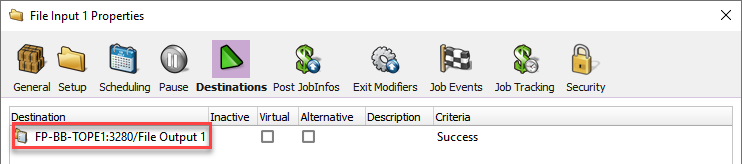
Lasernet 8
to the new syntax: instance/modulename

Lasernet 9
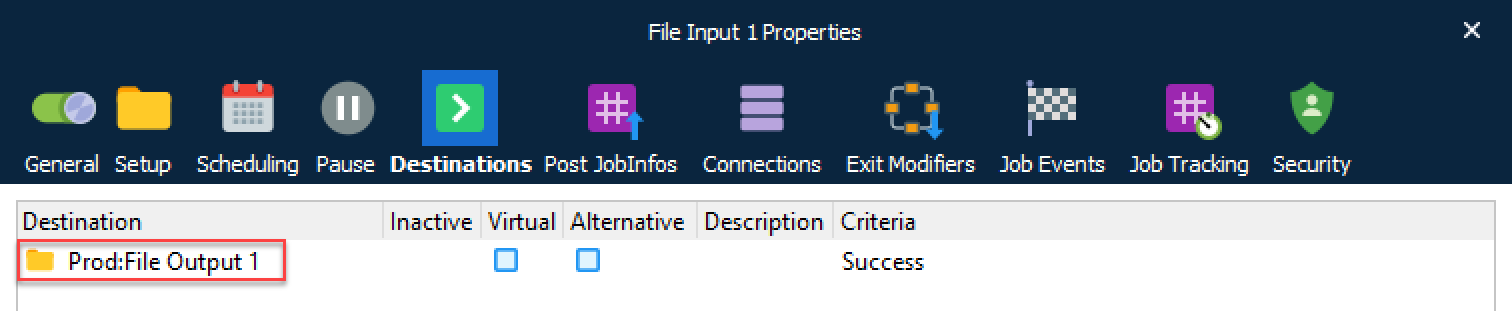
Lasernet Core 10
A module path can figure in any module, form and script, which are configured to exchange jobs in Lasernet Core. It is recommended to use the Search functionality in the Lasernet Developer to locate any module path that appear in a setup and replace them with new syntax after a migration.
Lasernet 9 vs. 10
The following modules are no longer supported by Lasernet Core from this version, Lasernet Core 10:
Barcode fonts running the Symbology Barcode Profile
SAP BC-XOM Input module
Microsoft Message Queue (MSMQ) Input and Output modules
Google Cloud Printer Input and Output modules
Microsoft Fax module
DM Archive (replaced with the newer DM Upload)