Applies to: Lasernet Core 10
This Input module works as a web server / web service that can accept data for processing in Lasernet Core. It can also accept a request for data preview.
Web Server
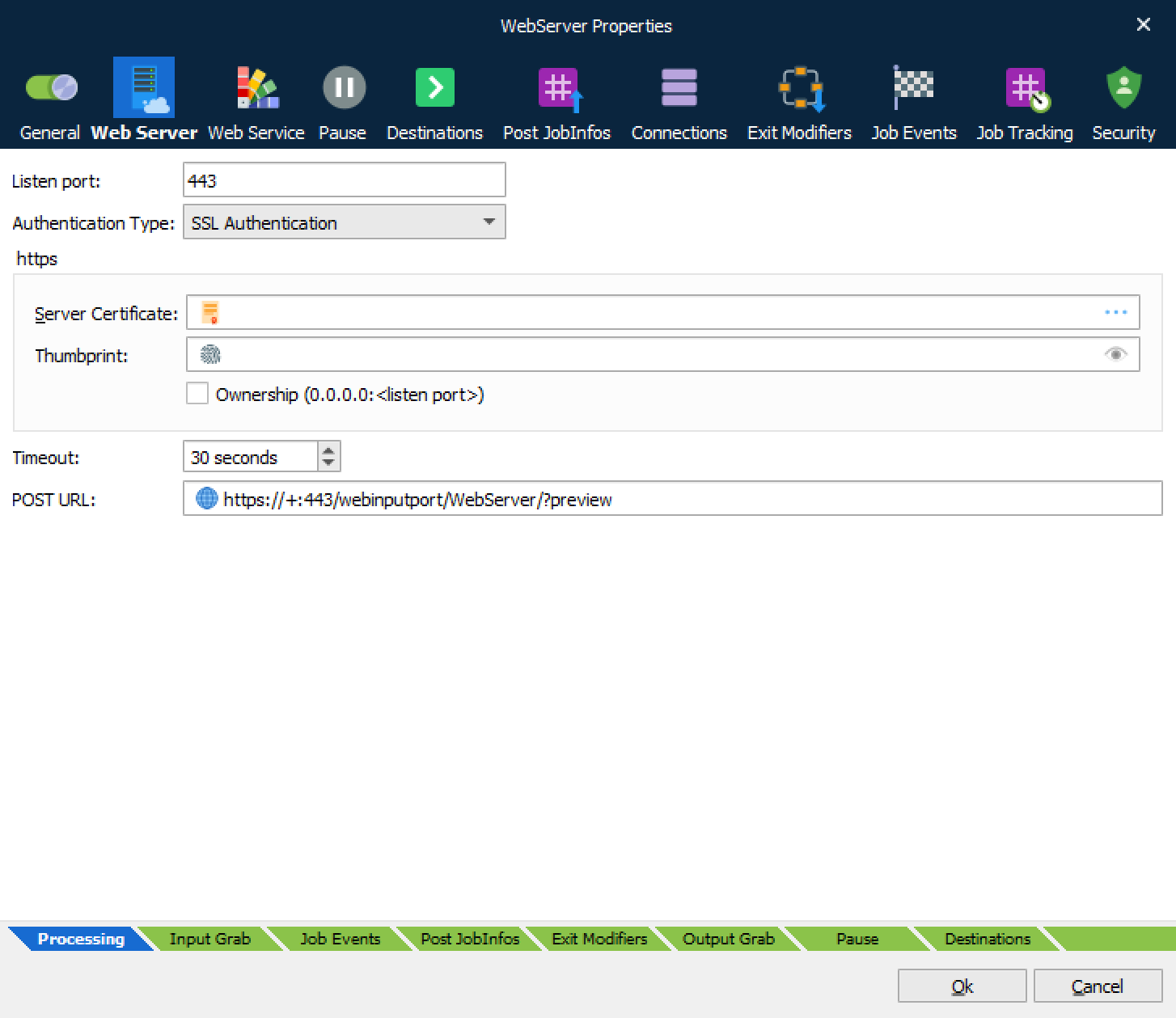
The Web Server module acts as an embedded web server, listening on the port specified in the Web Server settings.
To deliver data to a Web Server module, an HTTP POST request must be sent to the correct URL. For a machine named “master”, that would be http://master:80/webinputport/PORTNAME, where PORTNAME is the name of the Web Server module. The actual document is delivered as the HTTP POST data. The content-type of the post data is currently ignored, but we recommend that it is set to application/x-Lasernet.
HTTPS uses port 443 by default; https://master:443/webinputport/PORTNAME
The HTTP response status will be “200 OK” if delivered successfully, “404 Object Not Found” if the port does not exist, “503 Service Unavailable” if Lasernet Core is currently booting or shutting down, and “500 Internal Server Error” if there is a problem with Lasernet Core.
When the status is 200, the response message is a text/plain document holding the JobID for the job inside Lasernet Core.
Lasernet Core can be used for sending back a document to the client, which can then be previewed in the browser e.g., a print result. This is handled by using a query parameter named preview, as in this example:
http://master:80/webintputport/PORTNAME?preview.
Lasernet Core will then set the JobInfo PreviewMode to 1, which can be used for deciding which destination to use in the Form Engine.
When the built-in destination “Preview” is used, it instructs Lasernet Core to send the document back to the client. Lasernet Core finds the open connection and uses it for sending the document back to the client using the response status “200 OK”.
By setting the JobInfos “HTTPStatusCode” and “HTTPStatusText” you can overrule the status code and status text set by system. By default, the content type of the preview result is “application/pdf”, but can also be overruled by setting the JobInfo “MimeType”.
It is possible to specify additional JobInfo values by adding them to the URL query. For example, to set JobInfo User to Joe and JobInfo Machine to My Machine, use the following URL: http://master:80/webinputport/PORTNAME?User=Joe&Machine=My+Machine.
The selected certificate will always be added if it does not exist prior to the start-up of the Web Server.
Ownership means that the certificate will be removed again when the Web Server stops, otherwise it will remain registered.
Default Destination is referred to as Default when editing destinations in other modules.
The Web Server module adds two JobInfo lists (RequestHeaderNames and RequestHeaderValues) in which it stores the headers received in the request. It also adds a JobInfo for each request parameter.
For example, if the request has headers Content-Length: 11 and Content-Type: application/text and a parameter called City whose value is Cambridge, Lasernet Core creates the following JobInfos:
| JobInfo | Value |
|---|---|
| RequestHeaderNames[0] | Content-Length |
| RequestHeaderValues[0] | 11 |
| RequestHeaderNames[1] | Content-Type |
| RequestHeaderValues[1] | application/text |
| City | Cambridge |
Web Service (act as server)
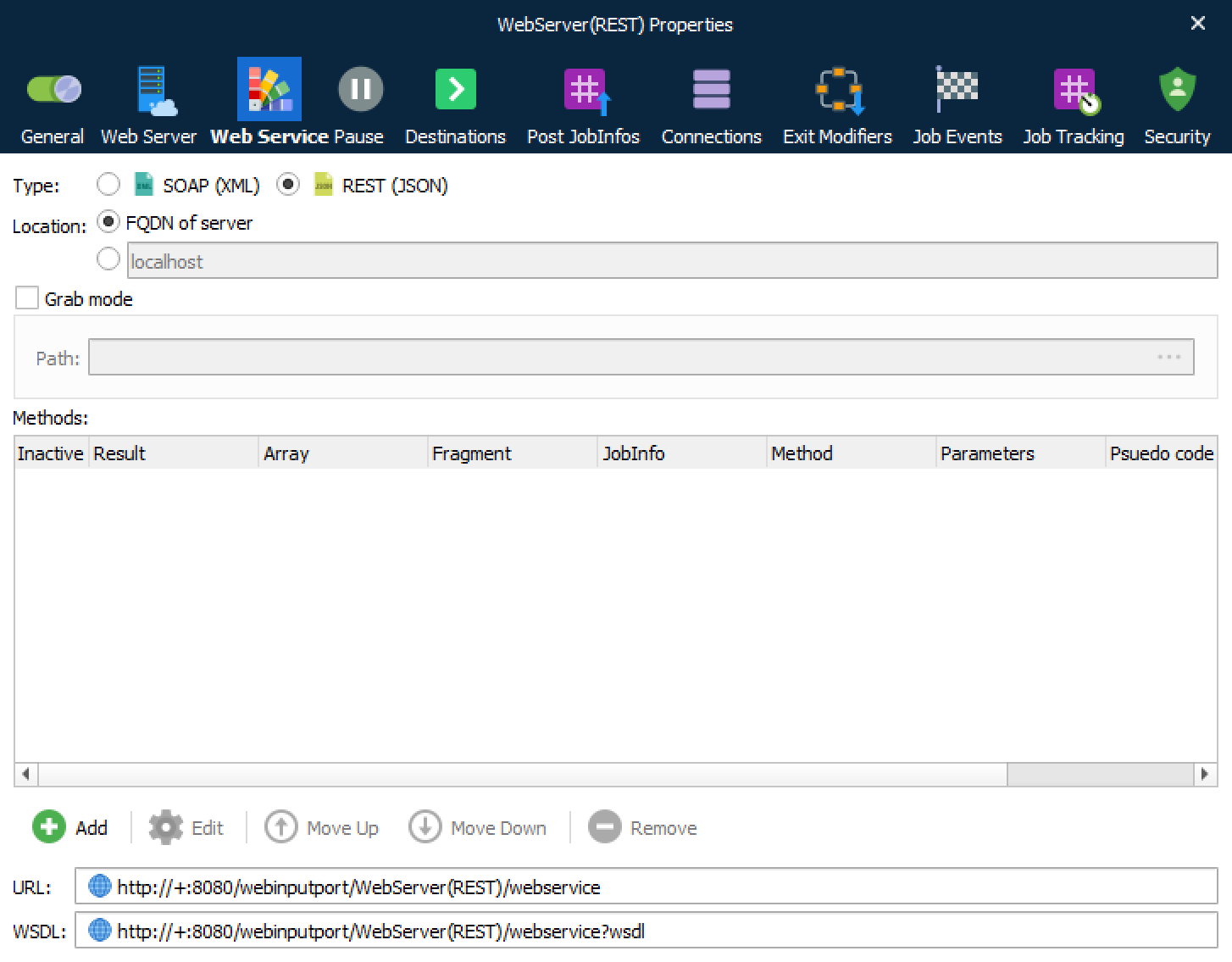
See Develop SOAP Web Services (Server) for more info about setting up web services on the server side.
SOAP
REST