Applies to: Lasernet Core 10
In the Lasernet Developer select File > Deploy to deploy a configuration.
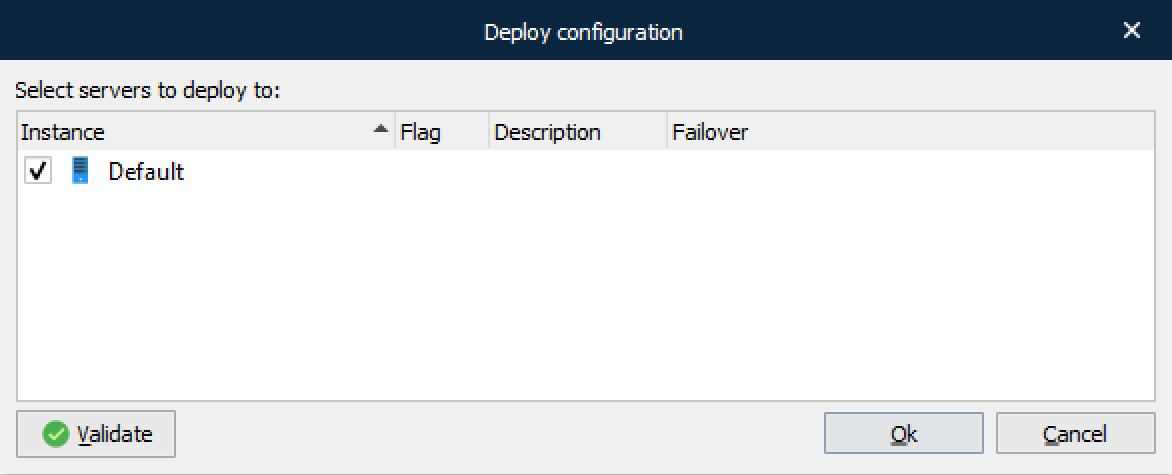
This gives you the ability to select the servers to deploy to. If you have uncommitted objects or resources, a warning will appear. You can now decide to deploy with uncommitted objects/resources or you can select the Commit button and commit your changes before the deployment. Click Ok and the transfer will start deploying the configuration to the selected Lasernet Core 10 service(s). A dialog shows the progress of the update.
After deployment, the Lasernet Core 10 service will automatically reload the new configuration and the Lasernet Configuration Server will create a new revision of the configuration.
You can start the Lasernet Monitor to see whether the update succeeds. For details, see the Lasernet Monitor 10 Guide.