Lasernet enables you to generate documents containing multibyte characters, such as Mandarin, Cyrillic, Arabic, and Hebrew.
The following video provides an example:
Key Functions
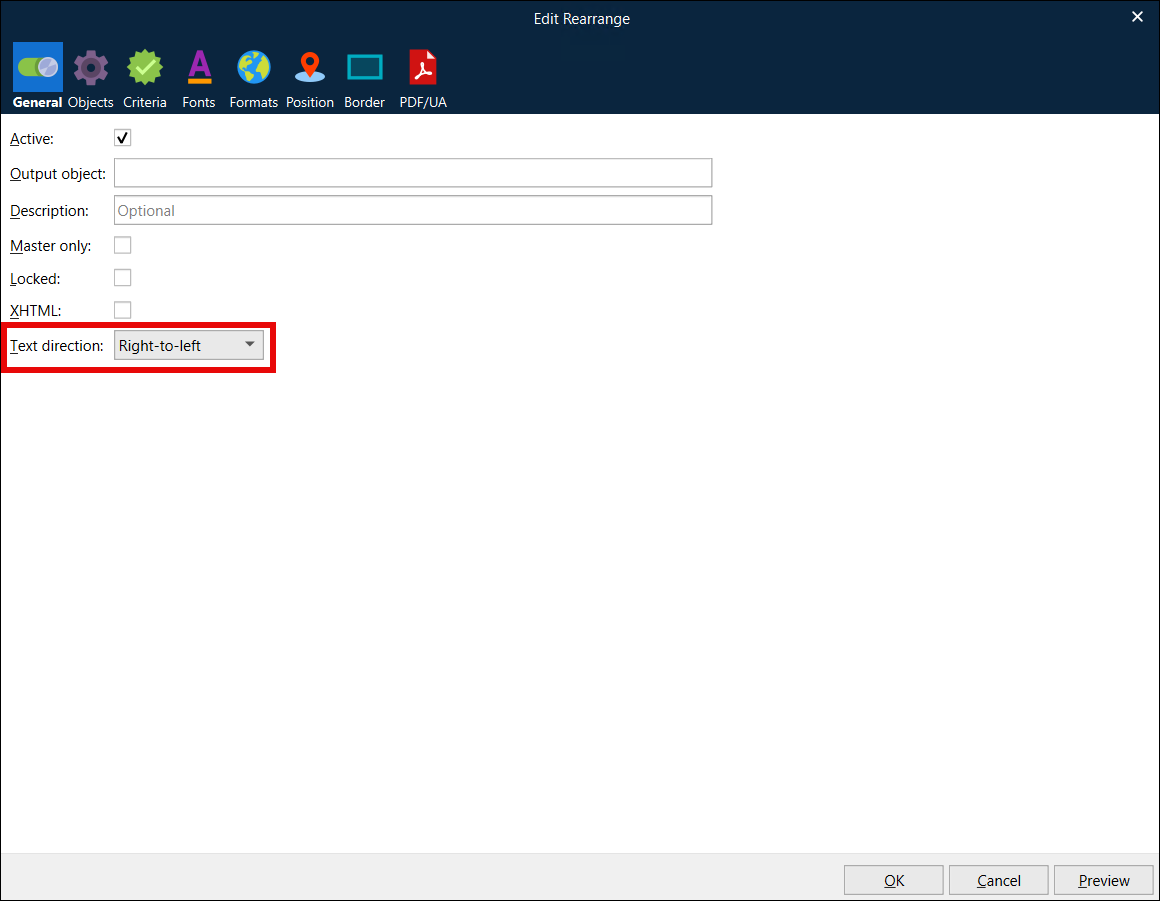
Create customer-facing documents containing multibyte characters. For languages such as Arabic, which require right-to-left rather than left-to-right text direction, you can use the Text direction option.
Note
To achieve the best results, we recommend upgrading to the latest version of Lasernet.
Multibyte characters are supported only when using XML-formatted input data, as the Text direction option is only available for rearranges from XML input data.
Create documents using a mixture of Latin and multibyte characters, even within the same line.
Convert numbers into words.
Maintain compliance with specific requirements, such as with Shari’a law:
Include a Shari’a certificate reference within the footer of the Lasernet form.
Exclude references to loan interest.
Create a split form to include different types of characters.
Document output formats include PDF, XML, HTML, Microsoft Word, and Excel.
Example Output Documents
Image 1: The first page of an account statement form in Arabic, including the Shari’a certificate reference.
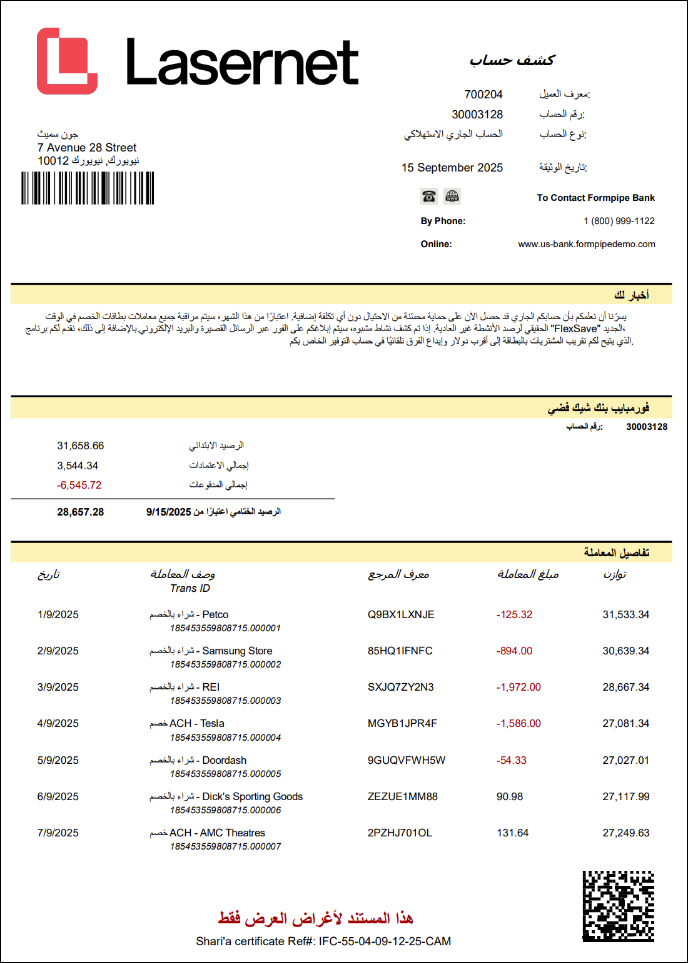
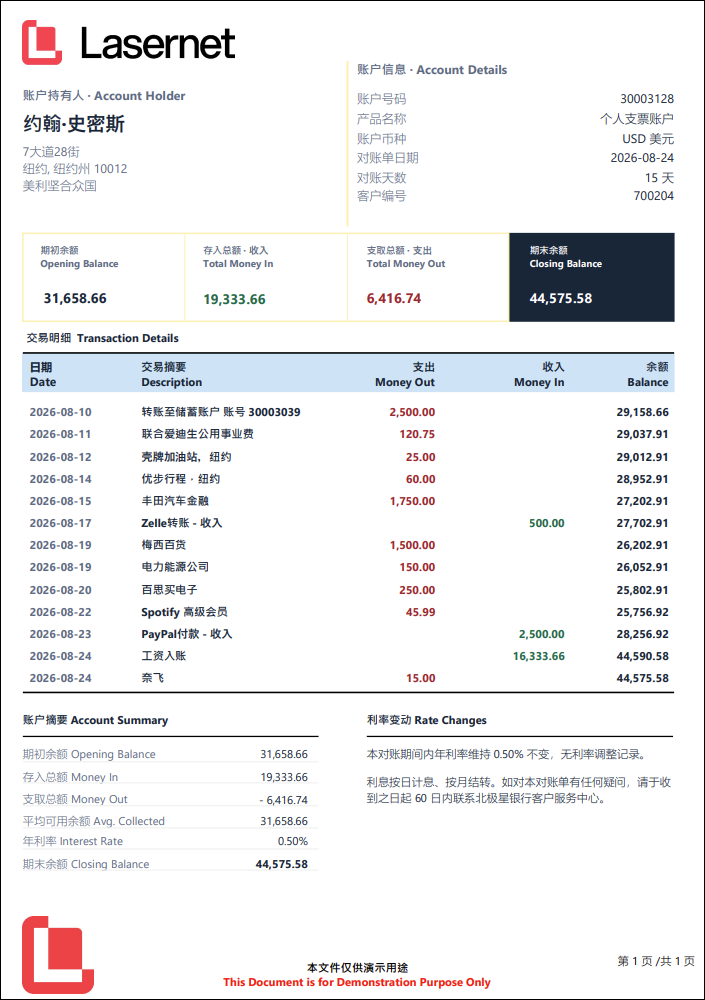
Image 2: An account statement form in Mandarin.