Applies to: Lasernet Core 11 and 10 (not Lasernet Essentials / Professional / Advanced)
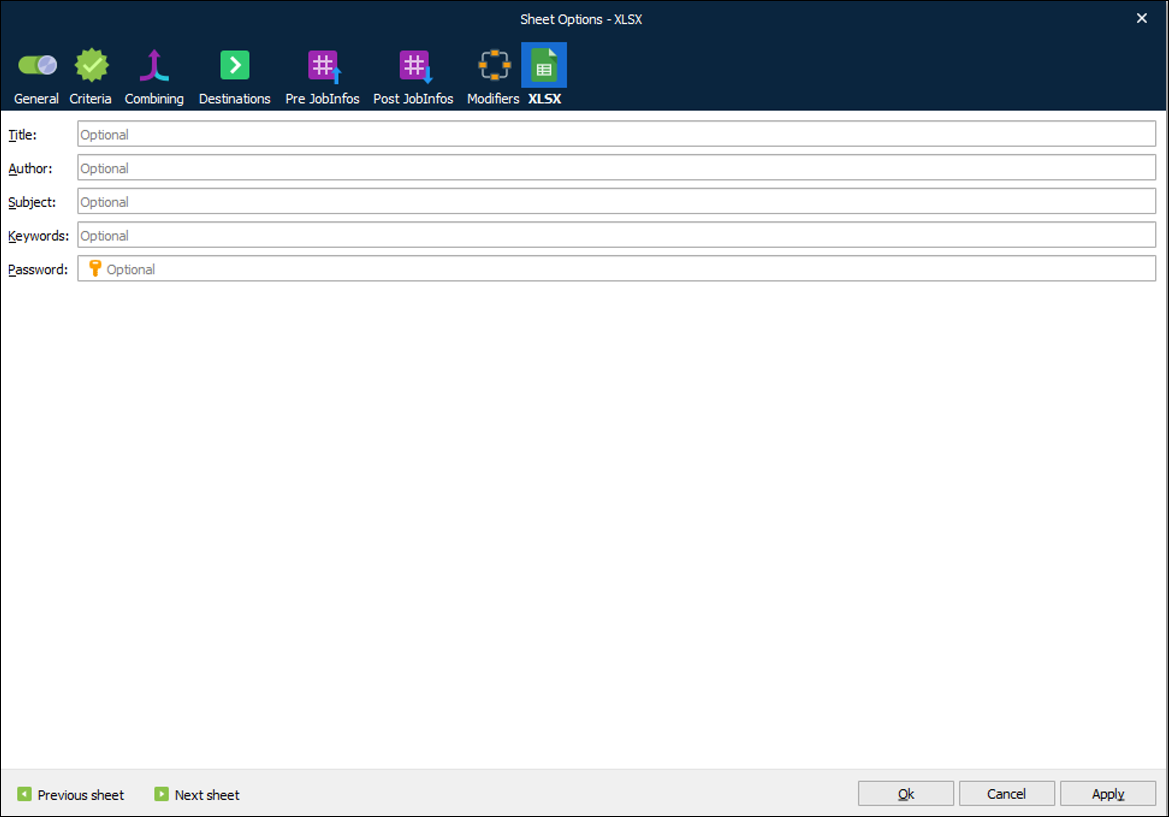
The XLSX output format properties can be accessed via the XLSX tab of the Sheet Options dialog by right-clicking the sheet tab and then clicking Sheet Options on the context menu.