Applies to: Lasernet Core 10
Used for retrieving a file from HTTP and HTTPS servers at given time intervals.
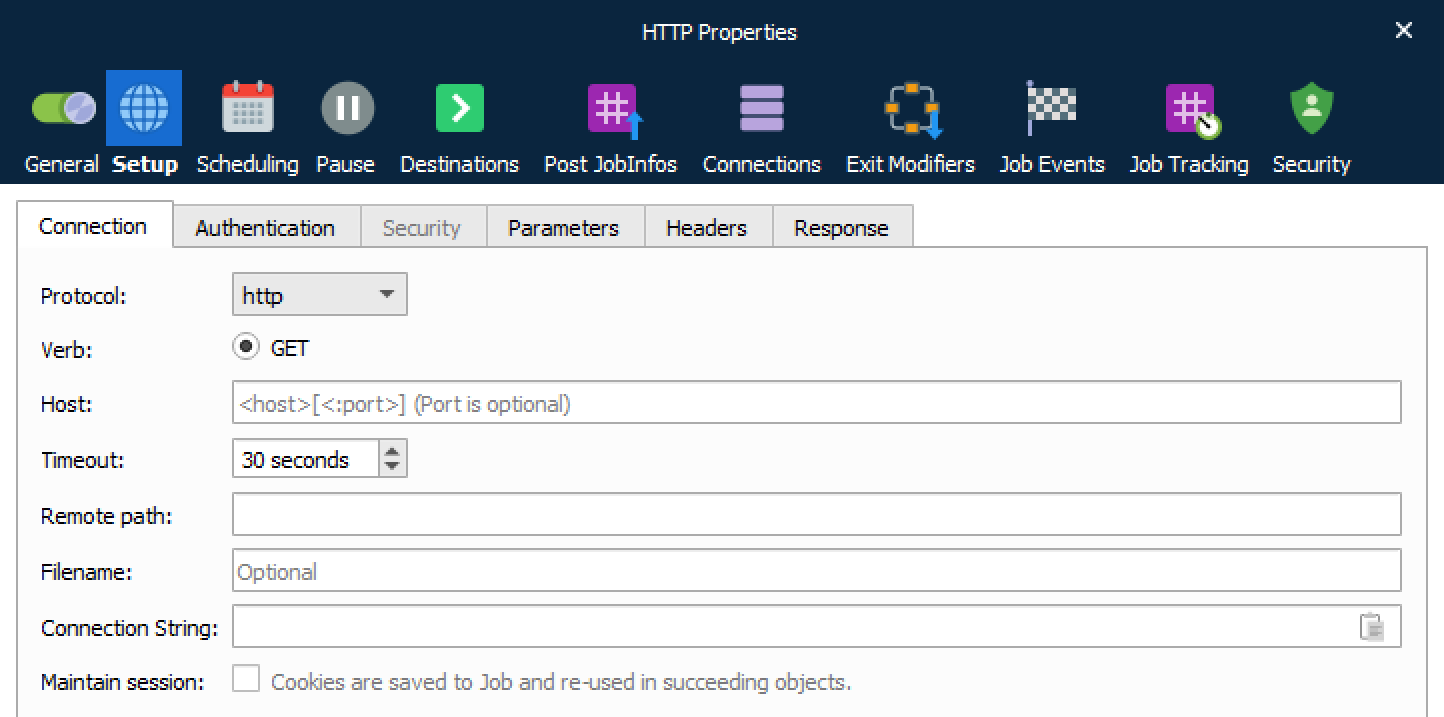
Connection
| Protocol |
Supported protocols are HTTP and HTTPS. |
| Host |
URL for HTTP. Protocol type or remote path should not be included as part of the URL. |
| Timeout |
If a connection cannot be established before the timeout limit, it will fail. Default timeout is 30 seconds. |
| Remote path |
The remote path on the HTTP server where files need to be uploaded to (if different from the default log in directory of the HTTP server). |
| Filename |
Wildcard support for returning one or more files to retrieve. |
Authentication
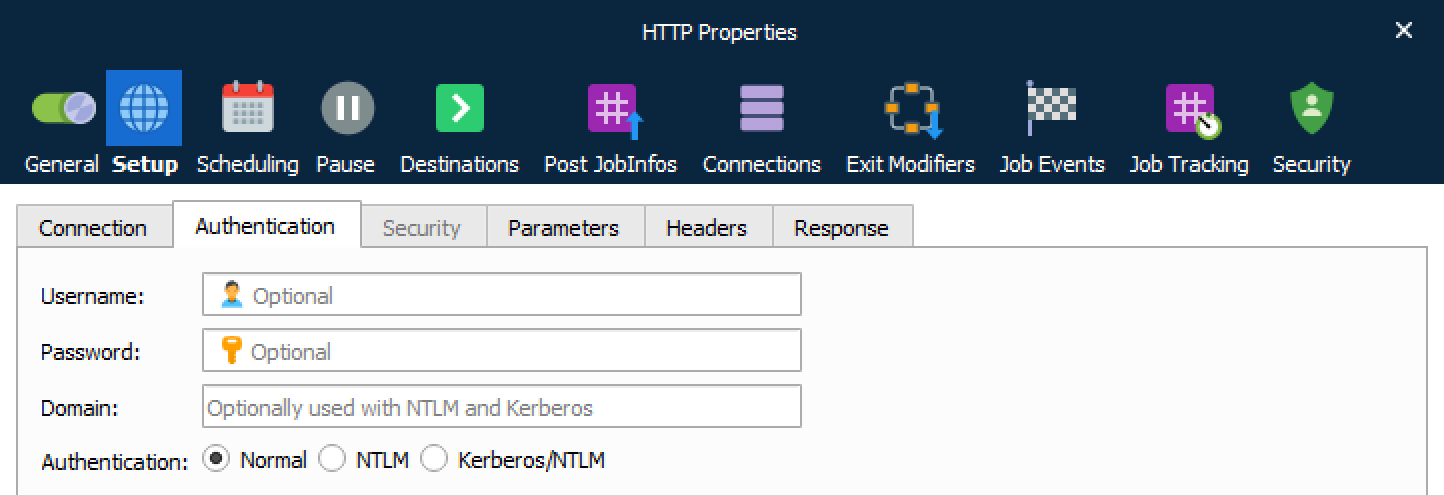
| Username and password |
If basic authentication is required, enter username and password. |
| Domain |
Used with NTLM and Kerberos authentication. |
| Authentication |
Supported types are Normal authentication, NTML and Kerberos/NTLM. |
Security
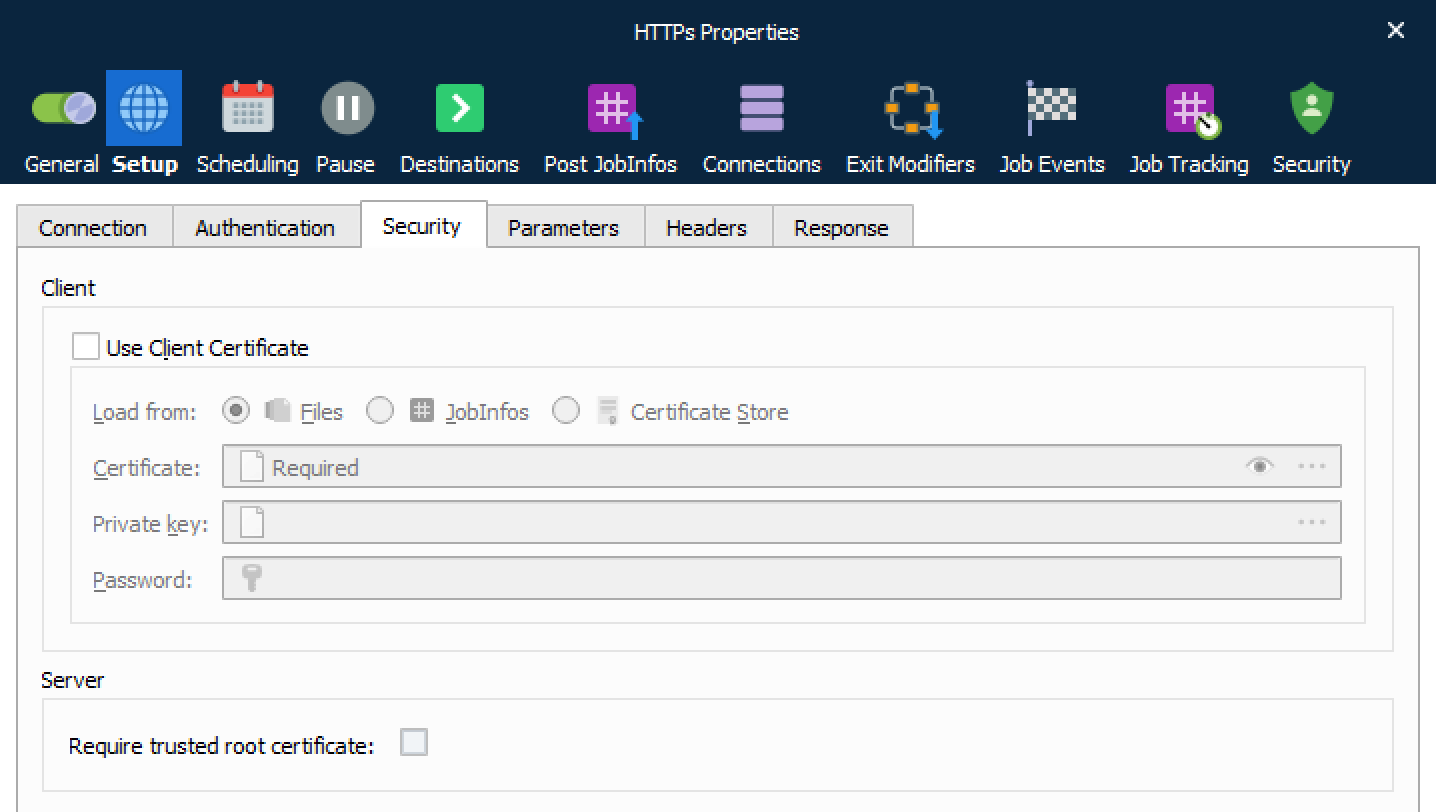
| Use Client Certificate |
For HTTPS it is usually not necessary to specify a client certificate and private key. If required you must activate this setting, browse for a client certificate and select a filename with one of the extensions for X.509 certificates. |
| Client Private Key |
Browse and select a private key for the client for being authenticated. |
| Private Key Password |
Set the password for the private key. |
| Subject Common Name (CN) |
When enabled you must set a CN to match the subject for the host being authenticated. |
| Require trusted root certificate |
Enabling this option will perform a range of verifications on the certificate used for HTTPS:
Validation of the certificate. Expiration of any certificate in the chain. Root certificate is trusted. |
Parameters
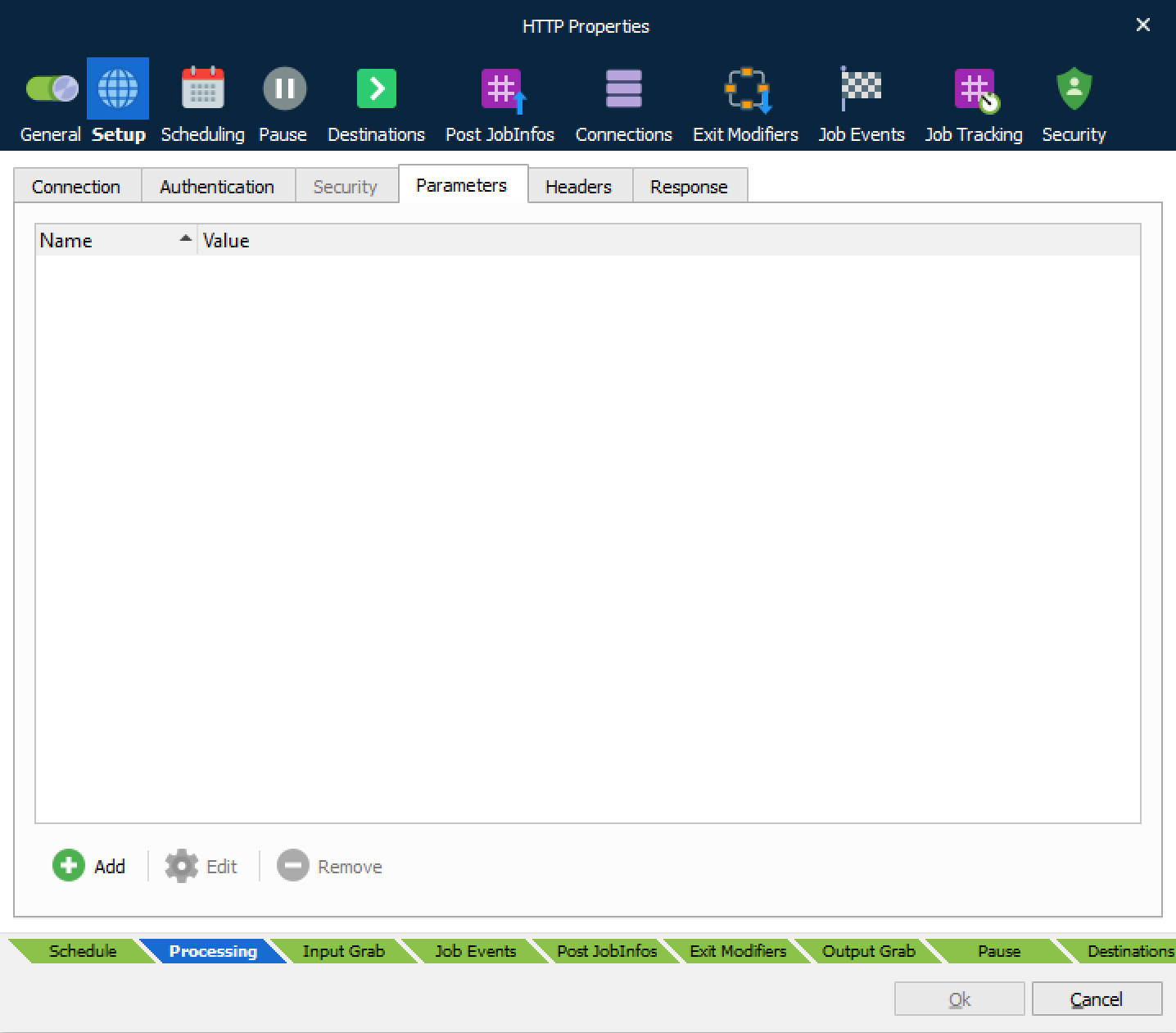
| Parameters |
A set of parameters with values can be added to the HTTP request. |
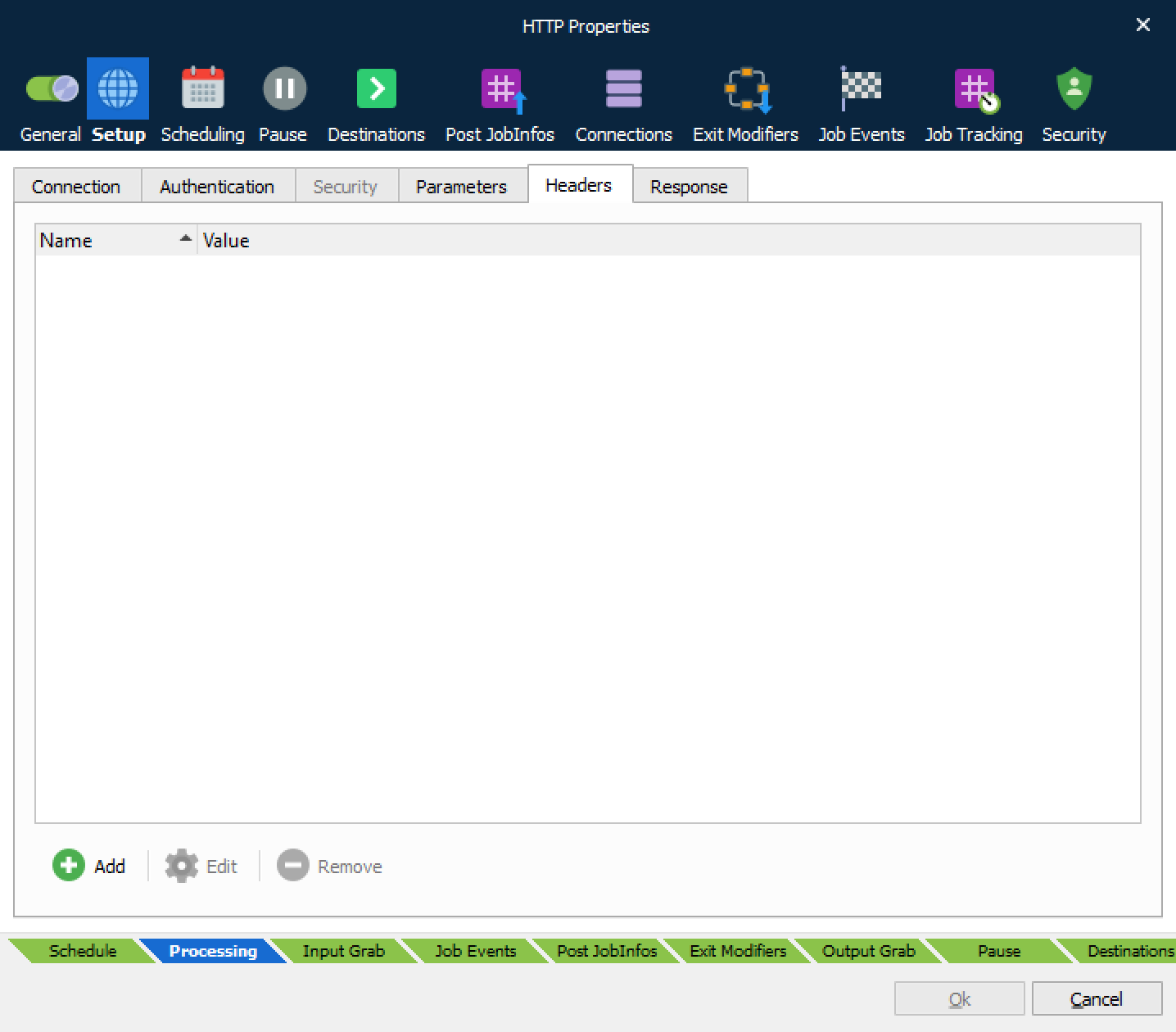
| Headers |
A set of headers with values can be added to the HTTP request. |
Response
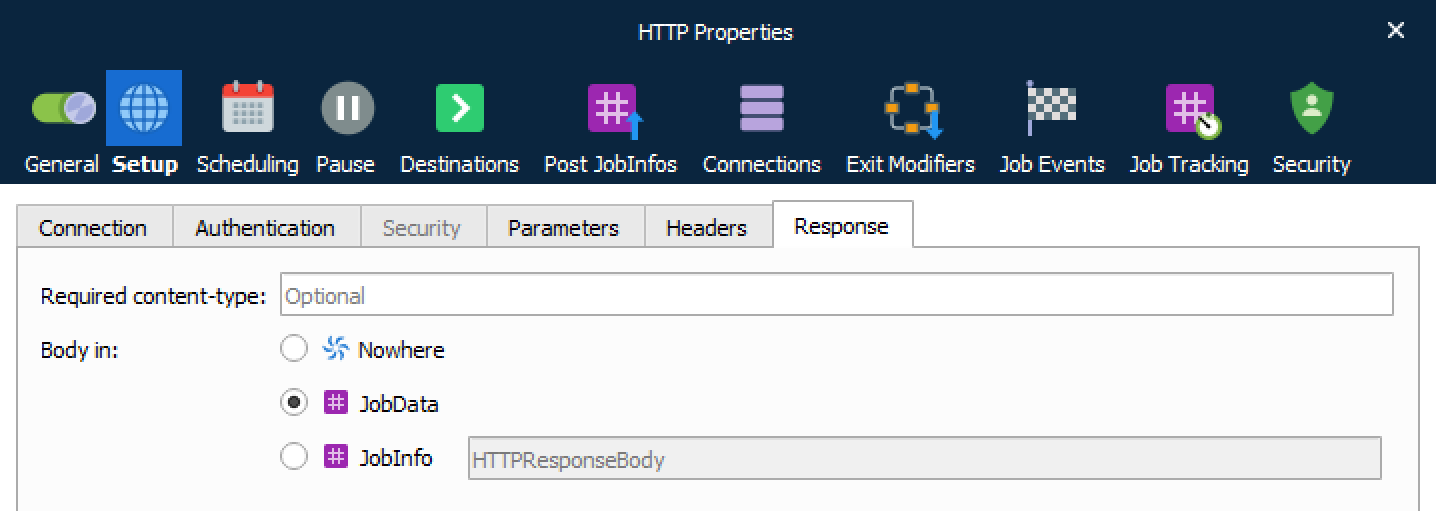
| Required content-type |
Content-type required for the document. |
| Body in |
After receiving and interpreting a request message, the server responds with an HTTP response message. You can define where to insert the HTTP body. Select Nowhere to store it nowhere, JobData if you want to use it as job data in another module, or JobInfo if you want to insert the value into a specific JobInfo. |
JobInfos
The HTTP module sets some JobInfos when creating a Job.
| MatchedMask |
The file mask matched. |
| Filepath |
The URL for the file without the filename. |
| Filename |
The name of the file without URL. |
| FullFilename |
Name of the file including URL and extension. |
| Filesize |
Size of the file. |
| Extension |
Extension of the file. |
| FilenameWithoutExt |
Name of the file without URL and without extension. |
| HTTPHeaderFieldName |
JobInfo list containing field names for the HTTP response headers. |
| HTTPHeaderFieldValue |
JobInfo list containing field values for the HTTP response headers. |
| HTTPHeader* |
The headers described by HTTPHeaderFieldName and HTTPHeaderFieldValue are also stored in individual dedicated JobInfos. For example, HTTPHeaderContent-Length. |
| HTTPStatusCode |
Status code for HTTP response. |
| HTTPStatusText |
Status text for HTTP response. |