Applies to: Lasernet Core 10
Security Roles are used for setting up authentication in Lasernet Client or Lasernet Developer and to set permissions on temporary saved documents. By default, they are visible for everyone in the Lasernet Client, but by adding Security Roles with specific read, write and delete permissions, it can help you to define which users or groups are allowed to view the individual documents.
Go to the Lasernet Configuration Server and manage your profiles, groups and users.
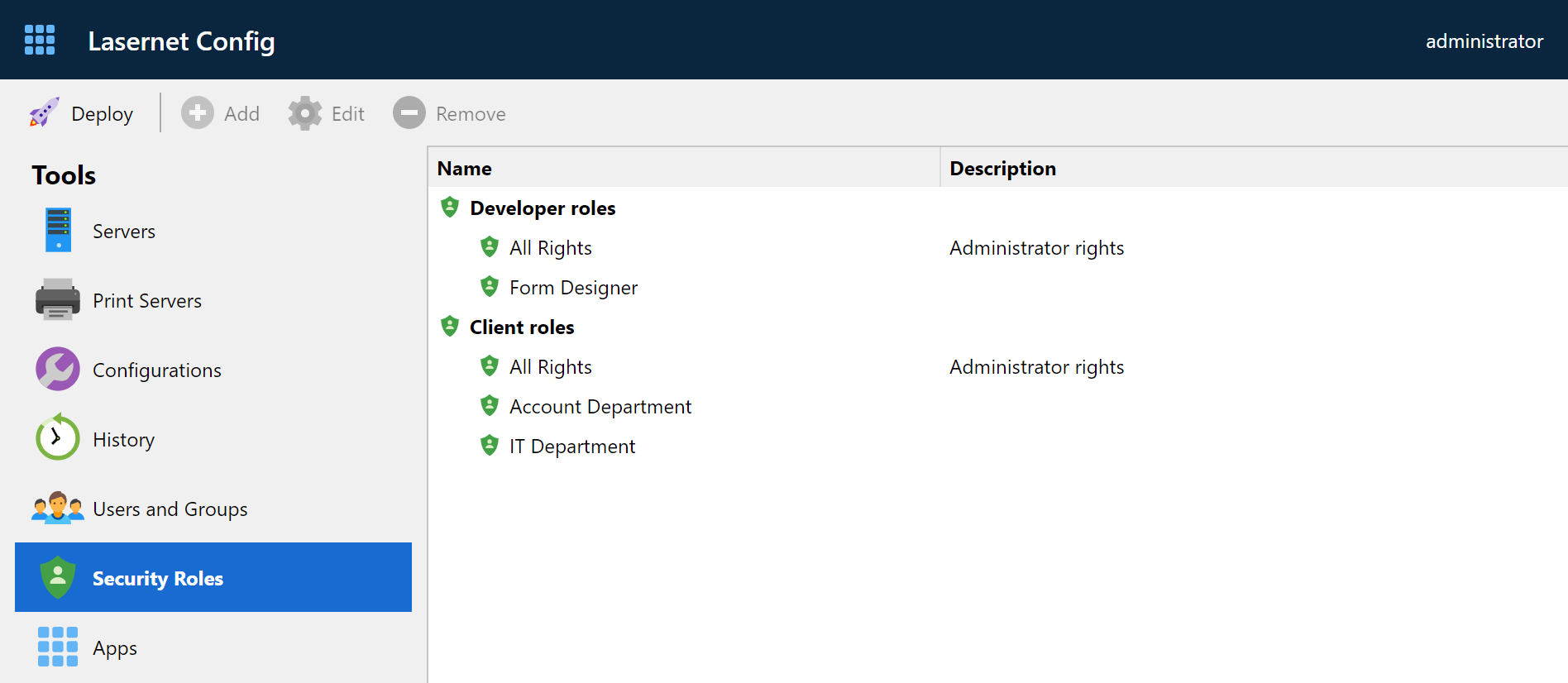
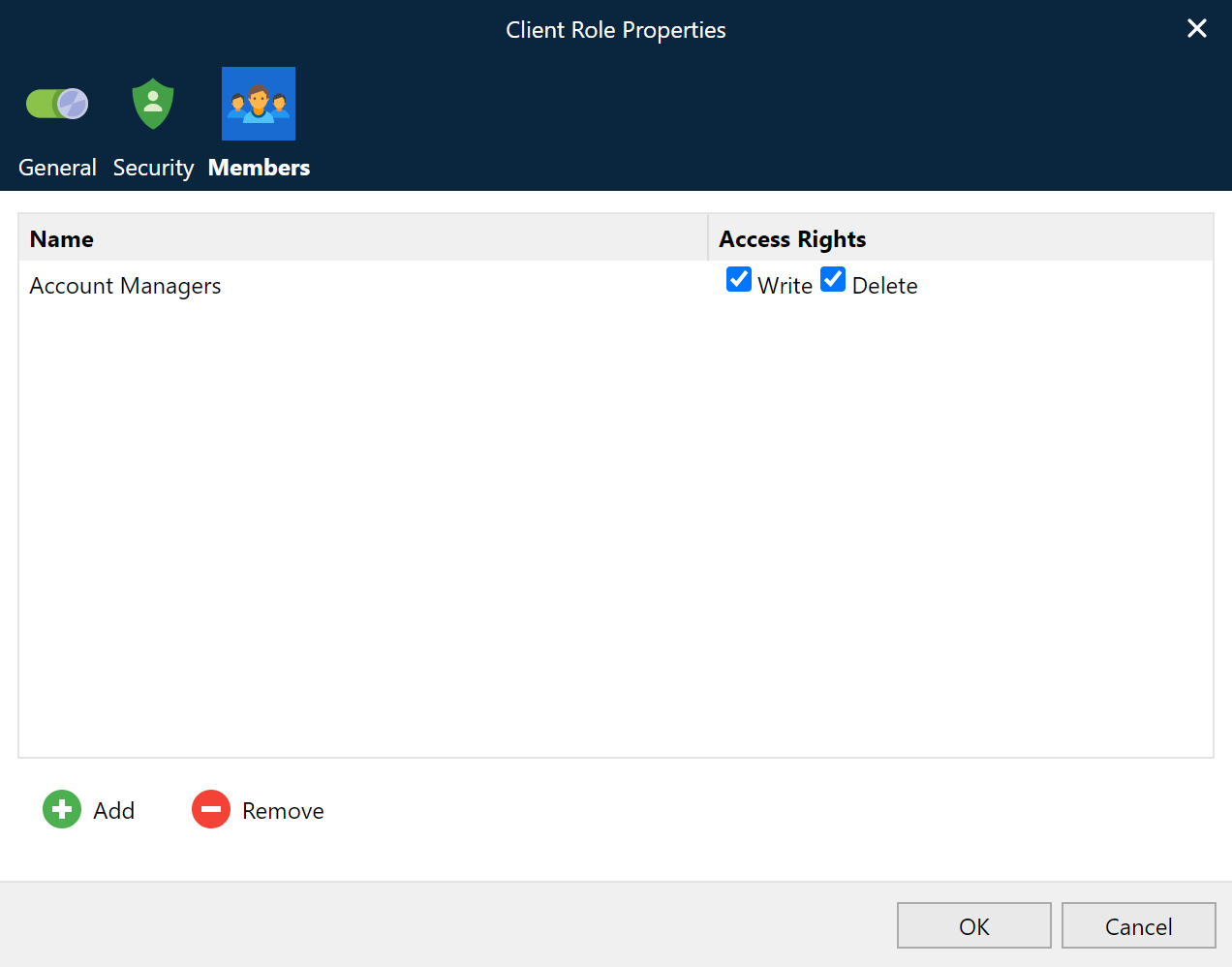
Security Roles can include a user or a group and rights for document management in Lasernet Client.
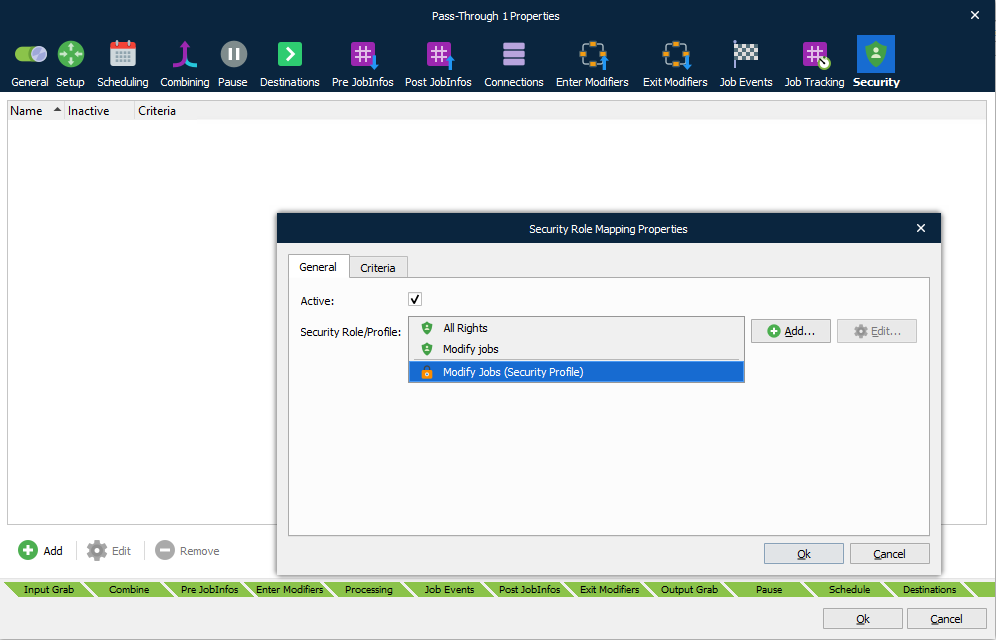
Security Roles can be added to any module available in the configuration. When the job is saved it will use Security Roles (if no Security Role is included, the job will be available to everyone). Roles are used to secure who is allowed to view and manage specific paused, scheduled or failed jobs in the Lasernet Client.

Security Profiles
Security Profiles enable you assign multiple security roles to a module as a single security profile. You can also add criteria to each security role assignment.
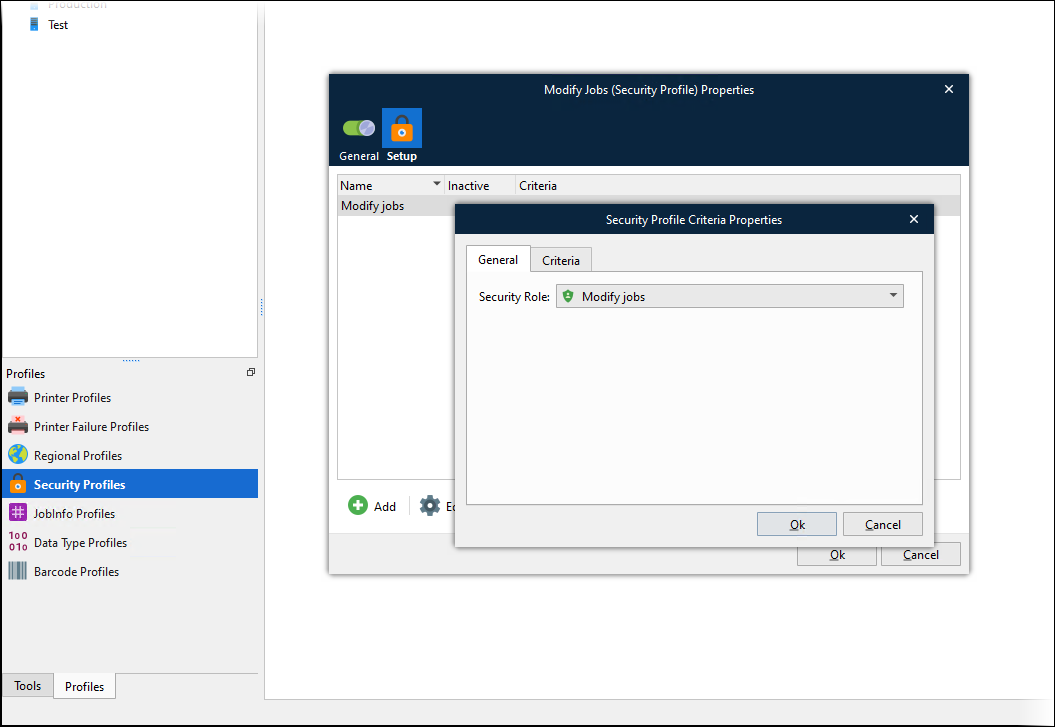
You can add security profiles to a module’s Security tab (as well as security roles).
Users
Create a user login and a password and activate which application the user can login to. The user can belong to any group and Security Role in the configuration.
If removing a user from the configuration, any jobs saved by the user can only be managed by an administrator in the Client.
Groups
A group can contain as many users required and be removed if they do not belong to the group anymore. If removing a group from the configuration, any jobs saved by the group can only be managed by an administrator in the Lasernet Client.
Lasernet Developer
Any user added to the Security Roles in Lasernet Config 10 server, with the Developer option activated in the user setup, is allowed to log into the Lasernet Developer and view and configure the setup. After adding a new user, the configuration needs to be re-opened in the Lasernet Developer. There must be at least one user added to Security Roles, with the Developer option activated, before you are prompted with a login window.
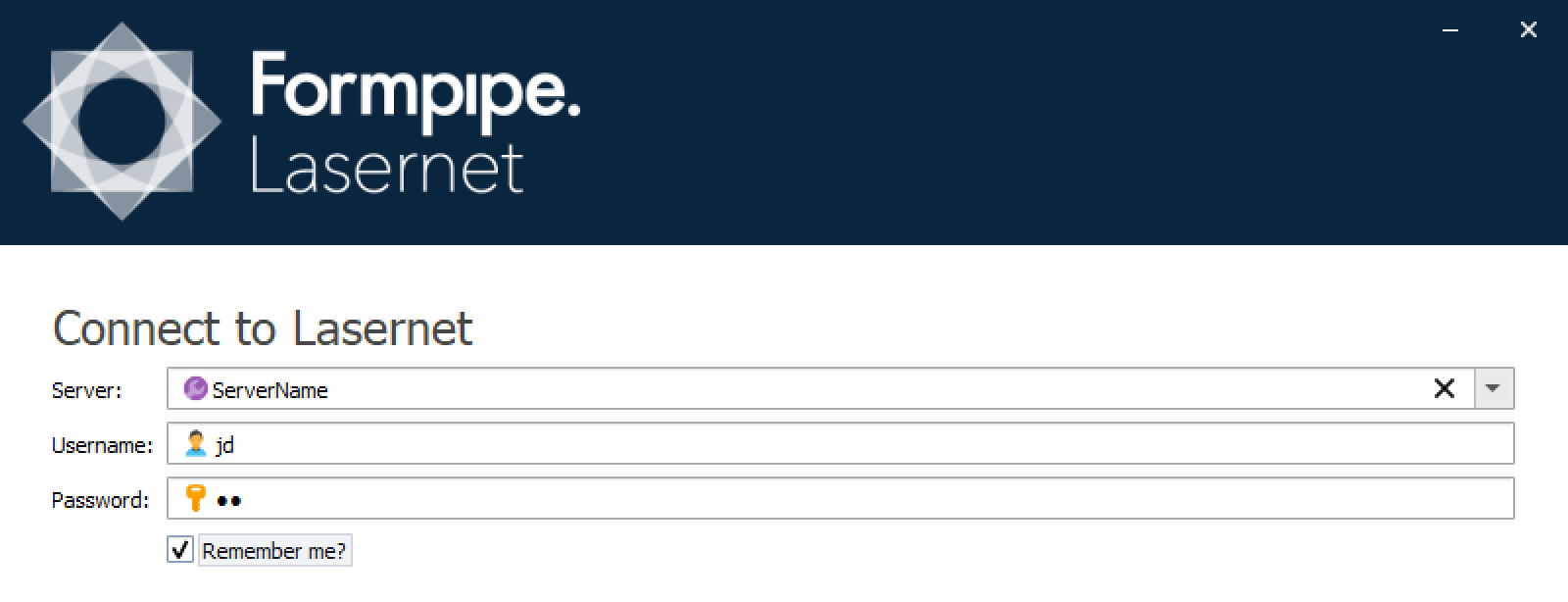
The user login for Lasernet Developer will enable you to Commit/Revert object. Any objects that are created or modified will have the user’s name saved against them (see the General Tab for Created By/Modified By for objects).