Applies to: Lasernet Core 10
Easily store and share documents in the cloud. Microsoft OneDrive works with Office, so it's easy to create, edit, and share your documents.
Note for Users of Lasernet Core 10.12.1 and Earlier
If you use Lasernet Core 10.12.1 or earlier, and your configuration contains an affected OneDrive, Outlook Mail, or SharePoint module, you must upgrade to Lasernet Core 10.13.3, and then update and redeploy your configurations. If you do not, your Lasernet Core system will stop working on the 1st April 2027.
For more information, see Make Mandatory Configuration Updates Due to OneDrive, Outlook Mail, and SharePoint Module Changes.
If you are upgrading from Lasernet 9 or earlier, see Upgrade from Lasernet 9 to 10.
Input
Lasernet Core can poll a folder, for a Microsoft OneDrive, in a given polling interval defined in minutes. When a file has been downloaded it is hard deleted. A Job is created per file downloaded.
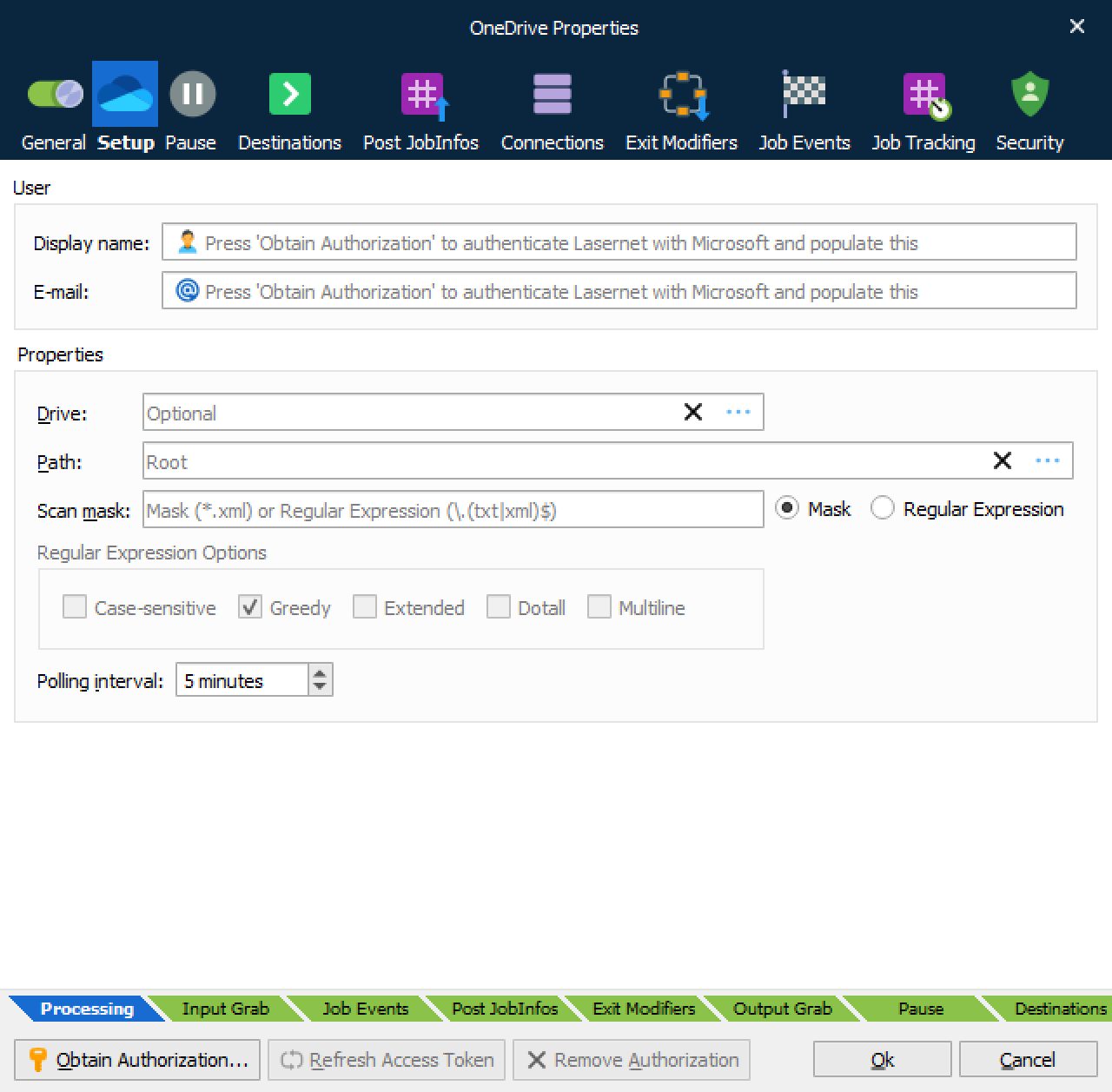
How to access Microsoft OneDrive
Click Obtain Authorization in the OneDrive dialog box to create a new connection.
You get redirected to the Microsoft website to authorize OneDrive for Lasernet Core.
Enter your Microsoft credentials.
Authorize the access request.
The authentication window closes automatically and your Display name and E-mail are added to the dialog.
In the Properties you can set your Drive and Path for where to poll for incoming files.
Doing this stores an encrypted token in the configuration. This token is then used to regain access to the OneDrive later.
JobInfos
The following JobInfos will be set for the incoming Job.
| FileLastModified | When the file was last modified |
| FileCreated | When the file was created |
| FullFilename | Full path to the file including the filename |
| Filepath | Location of the file |
| Filename | Name of the file including extension |
| Extension | Extension of the file prefixed with a dot |
| FilenameWithoutExt | Name of the file without an extension |
| Filesize | Size of file in bytes |